Front end utility for YT-DLP
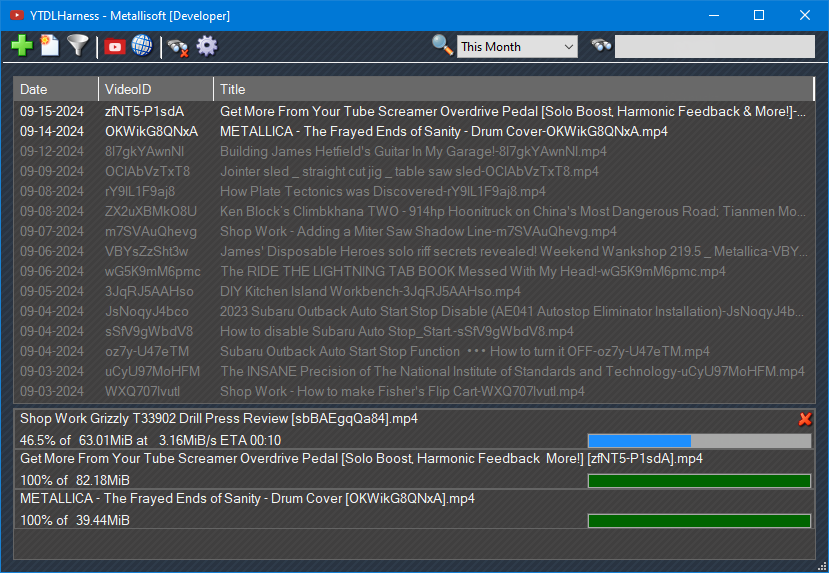
Drag-n-drop downloader for Youtube and Reddit. Will either watch specified folders for shortcuts, or drag-drop links directly from the browser.
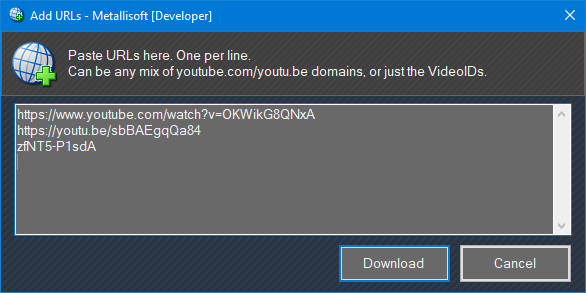
- Manually add videos from any Youtube URL, including just the VideoID.
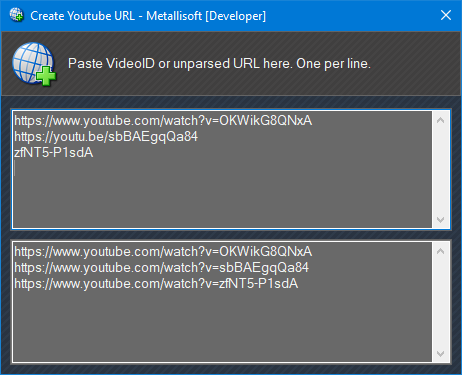
- Create formatted Youtube URLs to paste into social media. Including providing just the VideoID.
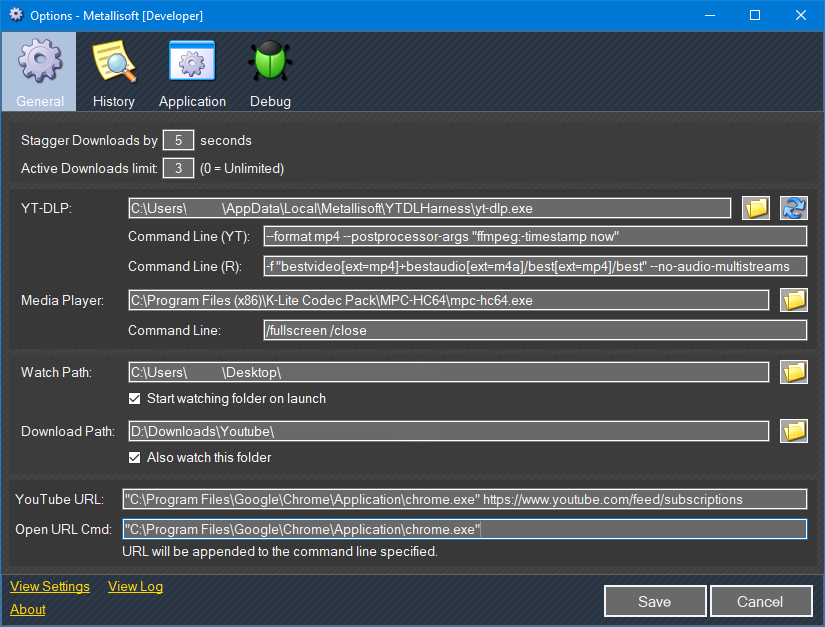
- User-modifiable command line arguments (See yt-dlp and ffmpeg documentation).
- Use any media player, including arguments.
- Download limiters to prevent large groups of videos downloading all at once.
Open Youtube from the toolbar.
Open videos from the history to Youtube in any browser.
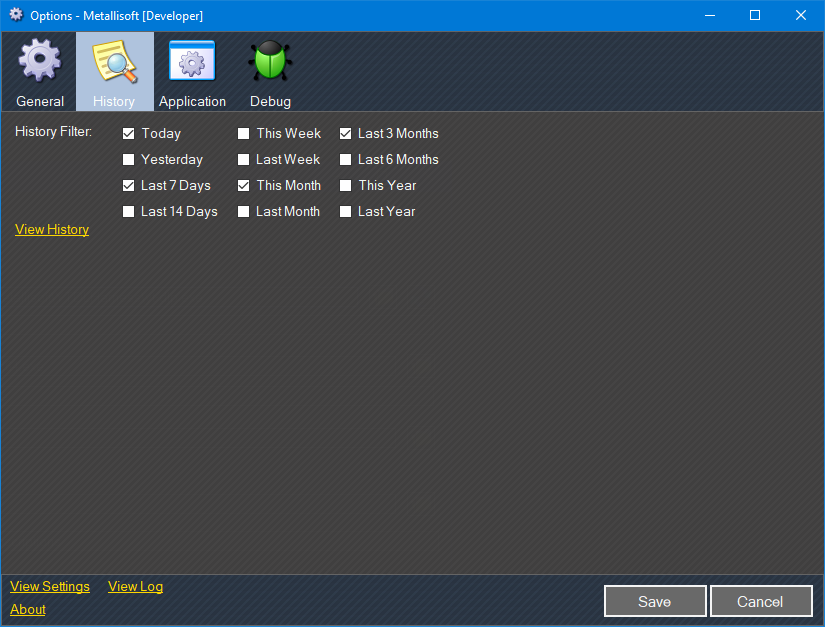
- History filtering.
- Searchable history.
Notes:
Wherever you put yt-dlp.exe, also copy ffmpeg.exe to the same folder. I create a D:\Tools\Encoders and drop both in there.
For age-restricted or any other content that requires a login, you can update the command line with "--cookies-from-browser chrome" (See yt-dlp documentation)
This program was written using Media Player Classic-Home Cinema as the player. This is either standalone, or bundled with K-Lite Codec Pack. I use "/fullscreen /close" for it's command line.
It's a good idea to add a Scheduled Task to have yt-dlp update itself every night. Otherwise, when the version you have goes obsolete, you'll get videos with no sound, and the downloads get wonky. Steps to create a task:
- Click Start, type "Task Scheduler"
- Far right, click "Create Task" (Don't click Basic)
- Enter the task name: "YT-DLP Update"
- If you never log off your user, then leave the option box alone. If you log off overnight, change it to "Run whether user is logged in or not"
- Switch to "Triggers" tab. Click "New..."
- Change option to "Daily", Start to tomorrow's date, 1am, or whatever time you want.
- OK
- Switch to "Actions" tab. Click "New..."
- Paste the location where you put yt-dlp. ex: "D:\Tools\Encoders\yt-dlp.exe". Include quotes if there is a space anywhere in your path.
- Add arguments: "/U" (no quotes)
- Start in: Same path as the Program textbox, minus the exe name. ex: "D:\Tools\Encoders\" Need quotes if there is a space.
- OK
- OK
|